
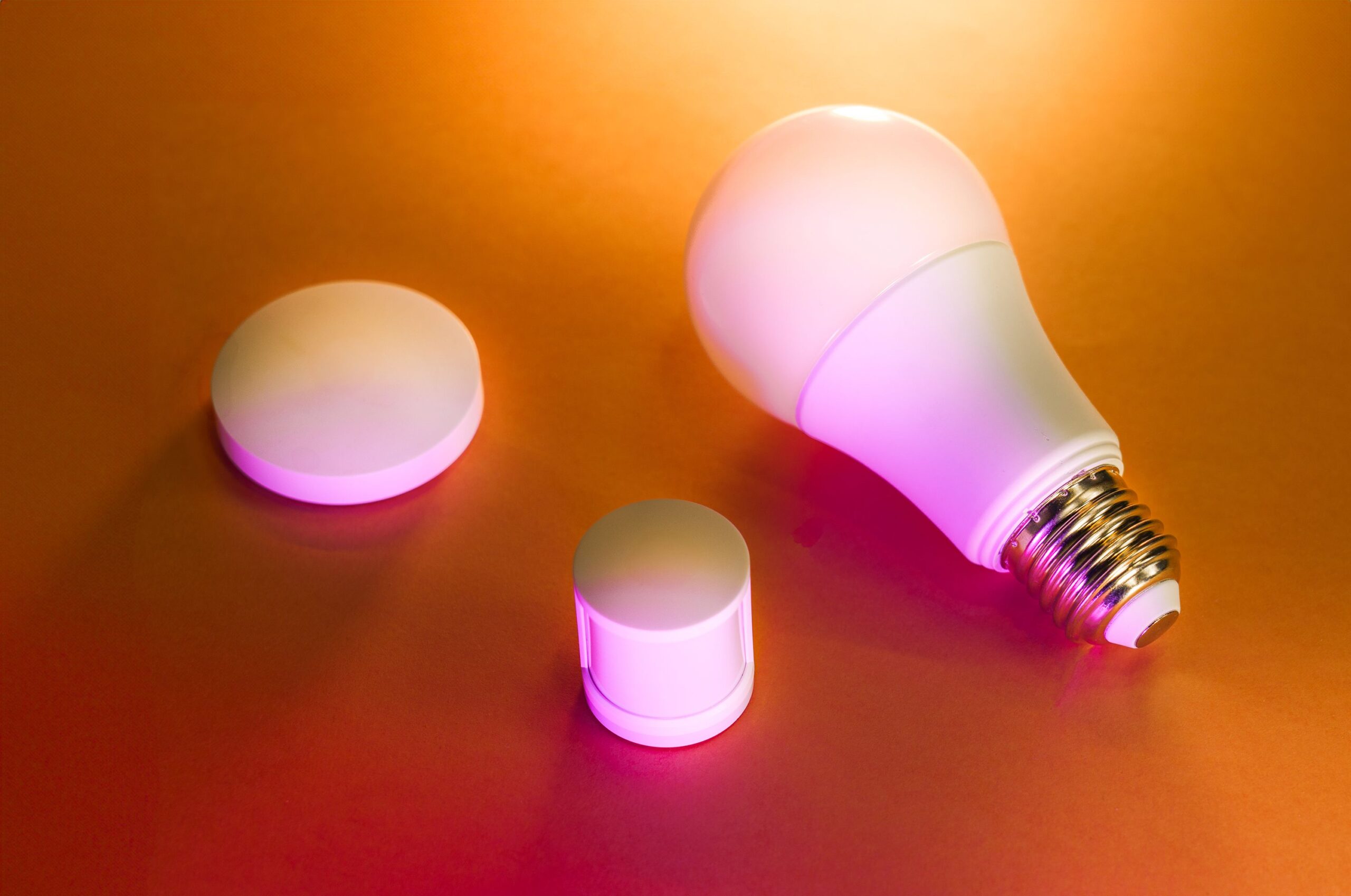
Sonoff Smart Switch: The Ultimate Guide to Home Automation
What is a Sonoff Smart Switch?
A Sonoff smart switch is a Wi-Fi enabled relay device designed to control electrical appliances remotely via a smartphone app, voice assistants, or automation routines. Manufactured by ITEAD Intelligent Systems, a Chinese electronics company established in 2008, Sonoff has become a global leader in cost-effective smart home technology. Unlike premium proprietary systems like Lutron or Philips Hue, Sonoff offers modular, DIY-friendly solutions that integrate with existing wiring without requiring a dedicated hub. The core product family includes single-channel switches, multi-channel modules, in-wall relays, and waterproof outdoor units, all powered by the ESP8266 or ESP32 microcontroller, which enables Wi-Fi connectivity and third-party firmware compatibility.
Key Features and Specifications
Sonoff switches operate on 2.4 GHz Wi-Fi (802.11 b/g/n) and support a voltage range of 100-240V AC (50/60Hz), making them suitable for most global electrical standards. The maximum load typically ranges from 10A to 16A (2200-3500W), sufficient for lights, fans, water heaters, and small motors. The onboard relay provides galvanic isolation, ensuring safe switching even during power surges. Most models include a physical push button for manual override, an RGB LED indicator, and a built-in memory function that retains the last state after a power outage. The Sonoff Basic, for instance, measures just 88x38x23mm, making it one of the most compact smart relays available. Advanced models like the Sonoff Dual R3 offer two independent relays for sequential or simultaneous control, while the Sonoff 4CH Pro provides four channels with dry contact support for low-voltage applications.
Installation Process: A Step-by-Step Guide
Installation requires basic electrical knowledge and adherence to safety protocols. Always disconnect the circuit breaker before handling live wires. For a standard Sonoff Basic or Mini, you will need a neutral wire (common in modern homes) and a live wire. The device connects inline between the AC power source and the appliance.
- Identify Wiring: Turn off power. Remove the existing switch plate or access the appliance’s junction box. Identify Live (L, usually brown or black), Neutral (N, usually blue or white), and Load (L1, wiring to the appliance).
- Connect Live and Neutral: Wire the AC Live input to the Sonoff’s L terminal and Neutral to the N terminal. Connect the Load wire to the L1 or relay output terminal.
- Secure the Device: Tuck the Sonoff module into the junction box or wall cavity using electrical tape or a mounting bracket. Ensure no loose wires touch exposed metal.
- Restore Power: Turn the circuit breaker back on. The Sonoff LED should blink rapidly, indicating pairing mode.
- App Configuration: Download the eWeLink app (iOS/Android). Create an account, tap “Add Device,” and scan for nearby Sonoff devices. Follow the in-app instructions to connect to your 2.4 GHz Wi-Fi network. Once connected, rename the switch (e.g., “Living Room Lamp”) and test toggling.
Voice Control and Ecosystem Integration
Sonoff switches natively integrate with Amazon Alexa, Google Assistant, and Apple HomeKit (via the Sonoff NSPanel or third-party bridge). To enable voice control, link your eWeLink account to your smart assistant’s app. For example, in Alexa, enable the eWeLink skill, log in, and sync devices. You can then say, “Alexa, turn on kitchen lights” or “Hey Google, set bedroom fan to 50%” (if dimmer compatible). The eWeLink app also supports IFTTT (If This Then That) for cross-platform automation, such as turning on a Sonoff switch when your Ring doorbell detects motion. For advanced users, flashing custom firmware like Tasmota or ESPHome unlocks MQTT support, Home Assistant integration, and local control without cloud dependency—critical for privacy-conscious users or those with unreliable internet.
Automation Scenarios and Use Cases
Lighting Control: Replace traditional wall switches with Sonoff Mini or Touch switches. Automate lights based on sunrise/sunset using eWeLink’s location-based triggers. Schedule lights to simulate occupancy while on vacation, deterring burglars.
Appliance Management: Connect a Sonoff POW (power monitoring version) to a water heater or air conditioner. Monitor real-time energy consumption in kWh and set thresholds. If power draw exceeds 2000W for 10 minutes, trigger a notification or auto-shutdown to prevent overheating.
Multi-Room Zones: Use the Sonoff 4CH Pro in a server rack to control fans, lights, and outlets independently. Create scenes in eWeLink—e.g., “Movie Mode” dims lights, turns on a projector, and closes curtains via a motorized switch.
Safety and Alerts: Pair a Sonoff RF Bridge with a wireless door sensor. When the door opens at night, trigger a Sonoff switch to turn on outdoor floodlights. Integrate with a smoke detector: if CO levels rise, shut off the HVAC system automatically.
Pet and Plant Care: Connect a Sonoff S31 outlet to a humidifier or aquarium pump. Set a timer to run for 15 minutes every 4 hours. Use IFTTT to send you a mobile notification if the device turns off unexpectedly.
Troubleshooting Common Issues
Device Offline: This is the most frequent complaint. Verify your router is broadcasting a 2.4 GHz network (5 GHz is not supported). Check for channel interference—change your router’s Wi-Fi channel to 1, 6, or 11. Reboot both the Sonoff (press the button for 5 seconds) and the router. If the device remains offline, perform a factory reset: hold the button for 10 seconds until the LED blinks rapidly.
Pairing Failure: Ensure the Sonoff is in pairing mode (slow blink). Temporarily disable mobile data and enable location permissions for eWeLink. If using an Android device, turn off battery optimization for the app. On iOS, ensure Bluetooth is enabled (used for Wi-Fi credential transfer on some models).
Relay Chatter or Buzzing: This occurs when the relay cycles rapidly due to insufficient load (e.g., controlling an LED bulb under 5W). Add a load resistor (e.g., 10W, 50 ohm) in parallel across the output to stabilize the circuit. Alternatively, use a Sonoff with a latching relay like the Sonoff Touch.
App Not Responding: Clearing the eWeLink cache (Settings > Apps > eWeLink > Storage > Clear Cache) often resolves lag. Update the app and device firmware via the “Firmware Update” section in device settings.
Advanced Configuration: Tasmota and ESPHome
For power users, replacing stock firmware offers granular control. Tasmota, an open-source firmware, installs via a serial adapter (USB-to-UART) or OTA (over-the-air) if the device is already on custom firmware. After flashing, you gain a web UI for direct control, MQTT topics for Home Assistant, and rule-based automation (e.g., “If button pressed 3 times, toggle garage door”). ESPHome, integrated with Home Assistant, allows YAML-based configuration for sensors (temperature, humidity) and custom timers. Example: configure a Sonoff TH16 to monitor a greenhouse’s temperature and activate a relay if the temp drops below 5°C. These setups eliminate cloud latency—response times drop from ~300ms (cloud) to under 50ms (local).
Cost-Effectiveness and Long-Term Value
Sonoff switches retail between $5 and $30, depending on the model and features. A single Sonoff Basic costs roughly $8, compared to $40 for a comparable Lutron Caseta. Over a year, automating a home of 20 switches saves approximately 10% on energy bills through scheduling and reduced standby power. The devices have a lifespan estimated at 100,000 cycles (mechanical relay) or 200,000 cycles (electronic relay), translating to over 27 years of daily use. However, the plastic housing and low-cost capacitors may degrade faster in humid environments; outdoor use requires the Sonoff S31 or a weatherproof enclosure.
Security and Privacy Considerations
Sonoff devices communicate via AWS cloud servers by default. eWeLink uses AES-128 encryption for data in transit, but sensitive information (e.g., Wi-Fi credentials) is stored on their servers. To mitigate risks, create a dedicated IoT VLAN on your router to isolate Sonoff devices from your main network. For maximum security, flash open-source firmware and disable cloud access entirely. Regularly update the eWeLink app and firmware to patch vulnerabilities—ITEAD has historically responded to security research (e.g., CVE-2018-6432) with timely updates.
Comparison with Competitors
Sonoff vs. TP-Link Kasa: Kasa (now Tapo) offers a more polished app and easier setup, but lacks local API access and third-party firmware support. Sonoff wins in customization and affordability.
Sonoff vs. Shelly: Shelly devices are slightly smaller, support MQTT natively, and have better build quality (ceramic thyristors instead of relays for dimmers). However, Shelly costs 50-100% more. Sonoff is better for budget-conscious users.
Sonoff vs. Samsung SmartThings: SmartThings requires a hub ($100+) and Z-Wave/Zigbee protocols, while Sonoff is hub-free but solely Wi-Fi dependent. For large homes, SmartThings offers better mesh reliability; for small apartments, Sonoff is simpler.
Firmware Update and Maintenance Best Practices
Always keep firmware updated via eWeLink’s “Device Settings > Firmware Update.” ITEAD releases patches quarterly for security and feature additions (e.g., Matter protocol beta for selected models). Physically inspect devices annually for discoloration or capacitor bulge—a sign of overvoltage or aging. If controlling inductive loads (fans, pumps), install a snubber circuit (RC suppressor) across the relay contacts to prevent arcing and EMI. For outdoor installations, apply dielectric grease to wire terminals to resist corrosion.