
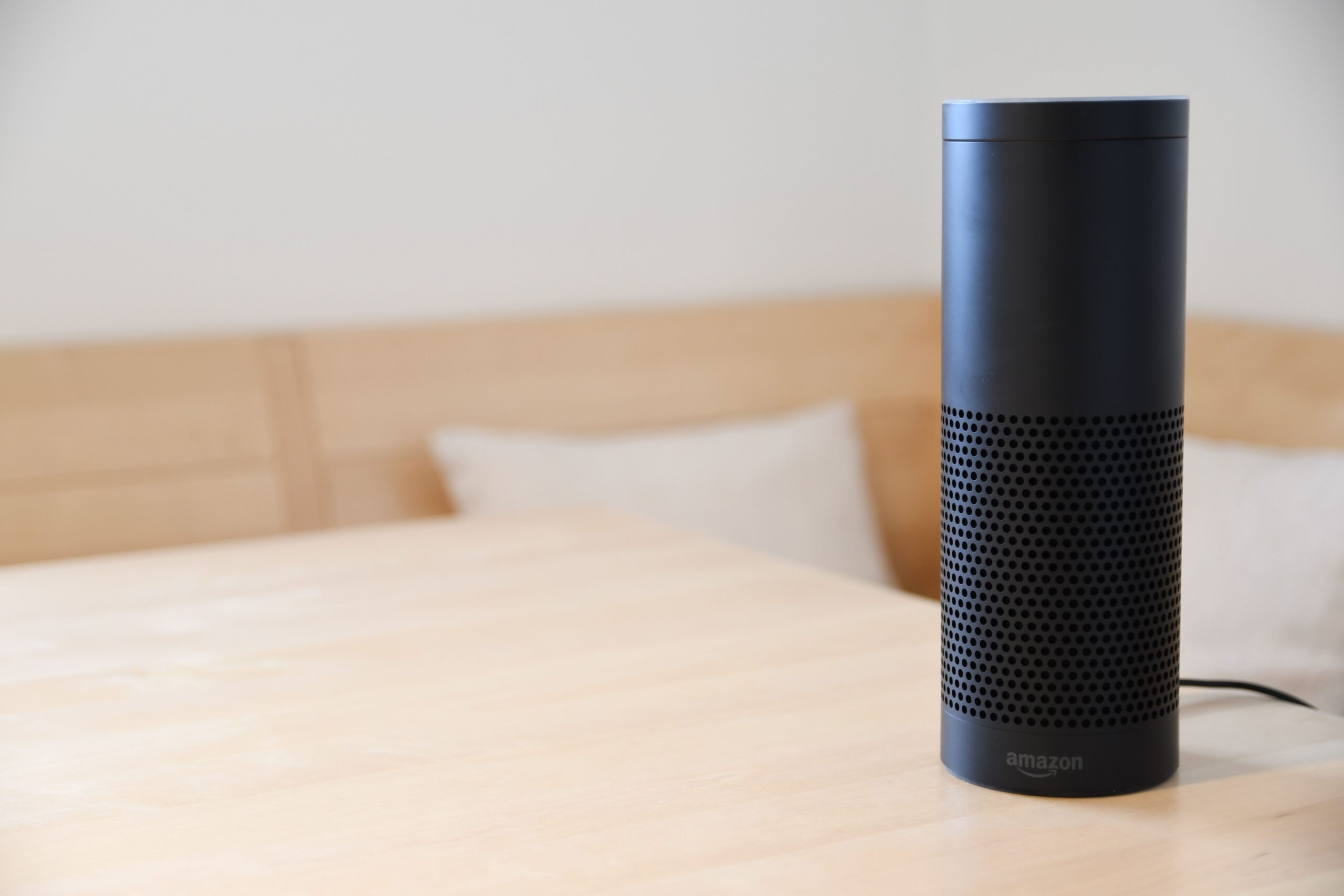
Amazon Alexa has become a staple in millions of homes, offering everything from weather updates to smart home control. Yet beyond the popular commands for timers, music, and trivia lies a hidden ecosystem of niche skills that transform the device into a productivity powerhouse, a creative companion, or even a personal chef. These under-the-radar skills are often free, highly specialized, and surprisingly useful. Below are ten Amazon Alexa Skills that remain undiscovered by most users, each detailed for its unique functionality, setup requirements, and practical applications.
1. Endel – Personalized Soundscapes for Focus and Relaxation
While many users rely on ambient noise apps, Endel uses AI to generate real-time, adaptive soundscapes based on your activity, time of day, and even heart rate (if paired with a wearable). Unlike static playlists, Endel’s algorithm adjusts tempo, frequency, and layers to promote deep focus, relaxation, or movement.
How it works: Enable the skill via the Alexa app, then say, “Alexa, open Endel for focus.” The skill requires a free account (premium tiers exist for extended sessions) and can be linked to Apple Health or Fitbit for biometric data. Users report improved concentration during work-from-home sessions and faster sleep onset when using the “Sleep” mode. The soundscapes are subtly dynamic—white noise and binaural beats shift without jarring transitions, making it ideal for ADHD management or creative flow states.
Why it’s overlooked: Most Alexa users default to Spotify or Amazon Music for background sounds. Endel’s “no loop” promise and scientific backing (studies from the MIT Media Lab) set it apart, but its lack of mainstream advertising keeps it hidden.
2. Be My Eyes – Visual Assistance for the Blind or Low-Vision Users
Originally a mobile app pairing blind individuals with sighted volunteers via live video, the Alexa skill extends this functionality to voice-first interactions. Users can call a volunteer to read labels, describe colors, or navigate unfamiliar environments—all through their Echo’s speaker and camera (on Echo Show devices).
How it works: Say, “Alexa, open Be My Eyes,” and the skill connects to a global network of 7+ million volunteers. For Echo Show users, the camera streams real-time footage to the volunteer, who then describes the scene. If you lack a camera-equipped device, the skill still functions as a call center where volunteers describe public spaces or read text aloud when you hold the object near the Echo’s microphone.
Why it’s overlooked: Accessibility-focused skills often fly under the radar due to niche marketing. However, sighted users also benefit—say, when cooking a hard-to-read spice jar or identifying a discolored ingredient.
3. Sound Sleeper – Baby Monitoring with White Noise and Lullabies
This skill transforms any Echo device into a baby monitor without purchasing dedicated hardware. It offers over 30 sounds, from womb noises and vacuum cleaners to gentle ocean waves, along with a “Cry Detection” feature that alerts parents via their smartphone.
How it works: Enable the skill, then say, “Alexa, ask Sound Sleeper to play thunderstorm.” For cry detection, you must link the skill to your Alexa account and grant microphone permissions. When the Echo hears a baby’s cry, it sends a push notification to your phone and can automatically stop the noise and start a lullaby. The free version includes a 60-minute timer; premium (around $4/month) removes ads and extends the timer.
Why it’s overlooked: Many parents assume only dedicated baby monitors offer cry alerts. Sound Sleeper’s use of existing hardware saves money and eliminates the need for extra charging cables—plus, it doubles as a white noise machine for parents.
4. Plant Parent – Smart Gardening Reminders and Plant Identification
For both brown-thumb novices and seasoned horticulturists, Plant Parent uses a database of over 15,000 species to track watering, fertilizing, and rotating schedules. It also includes a quick identification feature for unknown plants using the Echo Show’s camera.
How it works: Say, “Alexa, open Plant Parent and add a new plant.” You can input the plant’s name, purchase date, and pot size. The skill then calculates optimal watering intervals based on species and local humidity (via your zip code). For identification, show your leaf or flower to the Echo Show camera and ask, “What plant is this?” The skill returns common name, care tips, and toxicity warnings for pets.
Why it’s overlooked: Gardening apps are abundant on smartphones, but hands-free voice reminders are superior when your hands are dirty or you’re in the garden. The skill’s “Emergency” mode even advises on overwatering, yellowing leaves, or pest outbreaks.
5. My Pet’s Health – Symptom Checker and Medication Tracker for Pets
Veterinary visits are expensive and stressful. This skill offers a triage-level symptom checker for dogs and cats, plus a medication log that syncs across all Echo devices in your home. It is not a replacement for a vet, but it can help determine urgency.
How it works: Say, “Alexa, open My Pet’s Health and check symptom limping.” The skill asks follow-up questions: “Is your pet bearing weight? For how long? Any swelling?” It then suggests a care timeline (e.g., “Monitor at home for 24 hours” or “Seek emergency vet”). For medication, you can log doses by saying, “Alexa, record that I gave Fido 5 mg of prednisone at 8 AM.” The skill creates a timeline and can alert you when the next dose is due.
Why it’s overlooked: Most pet owners rely on Google or vet hotlines. The voice-first interface allows you to hold your anxious pet while speaking to Alexa, and the medication log prevents dangerous double-dosing.
6. Find My Phone – Locate Your Lost Device Without an App
While most smartphones have built-in finders (e.g., Apple’s “Hey Siri” or Android’s “Find My Device”), these fail if your phone is on silent. This skill calls your phone even if it’s in Do Not Disturb mode, bypassing volume settings.
How it works: Enable the skill and link your phone number via the Alexa app. Say, “Alexa, ask Find My Phone to call my cell.” Alexa dials your number from the Echo’s speaker (using a VoIP connection), and your phone rings at maximum volume. If you have multiple phones, you can specify: “Call my work phone.” The skill works across iOS and Android.
Why it’s overlooked: The default “Alexa, find my phone” command often fails if your phone is on silent or disconnected from Wi-Fi. This skill leverages telephony infrastructure to bypass those limitations, and it works even if you’re at a friend’s house.
7. Wemo – Advanced Automation for Non-Wemo Devices
Despite its name, the Wemo skill goes far beyond Belkin’s own smart plugs. It acts as a hub for IFTTT (If This Then That) recipes, allowing you to trigger complex routines without coding. For example, you can set Alexa to turn off your TV and lower your thermostat when you say, “Alexa, I’m leaving for work.”
How it works: Enable the Wemo skill and link it to your IFTTT account. From there, you can create triggers such as: “If Echo detects ‘Alexa, trigger movie night,’ then dim lights, close blinds, and turn on the popcorn maker.” The skill supports thousands of services, including Philips Hue, Nest, and August locks.
Why it’s overlooked: Most Wemo users only control their own plugs. The IFTTT integration is buried in the skill’s settings. Power users can create routines that respond to specific phrases, time of day, or even weather conditions.
8. Big Sky – Hyperlocal Weather with Augmented Reality Weather Maps
Standard Alexa weather updates give temperature and conditions. Big Sky provides a 3D interactive map of your region’s radar, snow depth, UV index, and pollen count—all via voice and screen (on Echo Show). It also offers severe weather alerts with animated storm tracks.
How it works: Say, “Alexa, open Big Sky.” On an Echo Show, the skill displays a color-coded radar map showing precipitation, cloud cover, and wind vectors. You can ask, “Alexa, ask Big Sky when the rain will stop” or “Show me the smoke from the wildfire.” For life-threatening events, it announces “Flash flood warning in effect for your area” and suggests a shelter route based on your saved location.
Why it’s overlooked: Free apps like Weather.com are simpler but lack the visual radar. Big Sky’s strength is its granularity—it knows your exact street and can predict down to 15-minute intervals.
9. Sleep and Meditation Sounds – Customizable Audio Relaxation with Voice Commands
Unlike default Alexa sleep sounds, this skill offers over 300 tracks with adjustable volume, panning (left/right speaker), and fade timers. You can mix sounds, for instance, combining “rain on a tent” with “distant thunder” and “fire crackling.”
How it works: Say, “Alexa, open Sleep and Meditation Sounds and play ocean waves with a 30-minute timer.” For mixing, say, “Add wind chimes at 30% volume.” The skill stores your favorite combinations as presets. A “Sleep Enhancer” mode gradually lowers volume over time, mimicking natural sleep onset.
Why it’s overlooked: The skill’s name is generic and often buried behind Alexa’s built-in sound capabilities. However, its layering feature is unique—no other free skill allows ambient mixing without a premium subscription.
10. Word of the Day – Advanced Vocabulary Builder with Etymology
Most vocabulary skills present a word and definition. Word of the Day goes further: it provides etymology (word origin), synonyms, antonyms, usage in literature, and a trivia example. It also quizzes you days later using spaced repetition.
How it works: Say, “Alexa, open Word of the Day.” The skill delivers a new word each morning, including its root language (e.g., “From Latin ‘serendipitas’”). You can request a quiz: “Alexa, ask Word of the Day to quiz me on last week’s words.” The skill tracks your score and revisits missed words. For writers, it can generate “sentences of the day” using the word in professional, academic, or casual contexts.
Why it’s overlooked: The default “Word of the Day” skills from dictionary publishers are shallow. This third-party variant uses an MIT-licensed corpus of classic literature and modern lexicography, making it valuable for English learners, copywriters, and competitive test takers (GRE, SAT).